
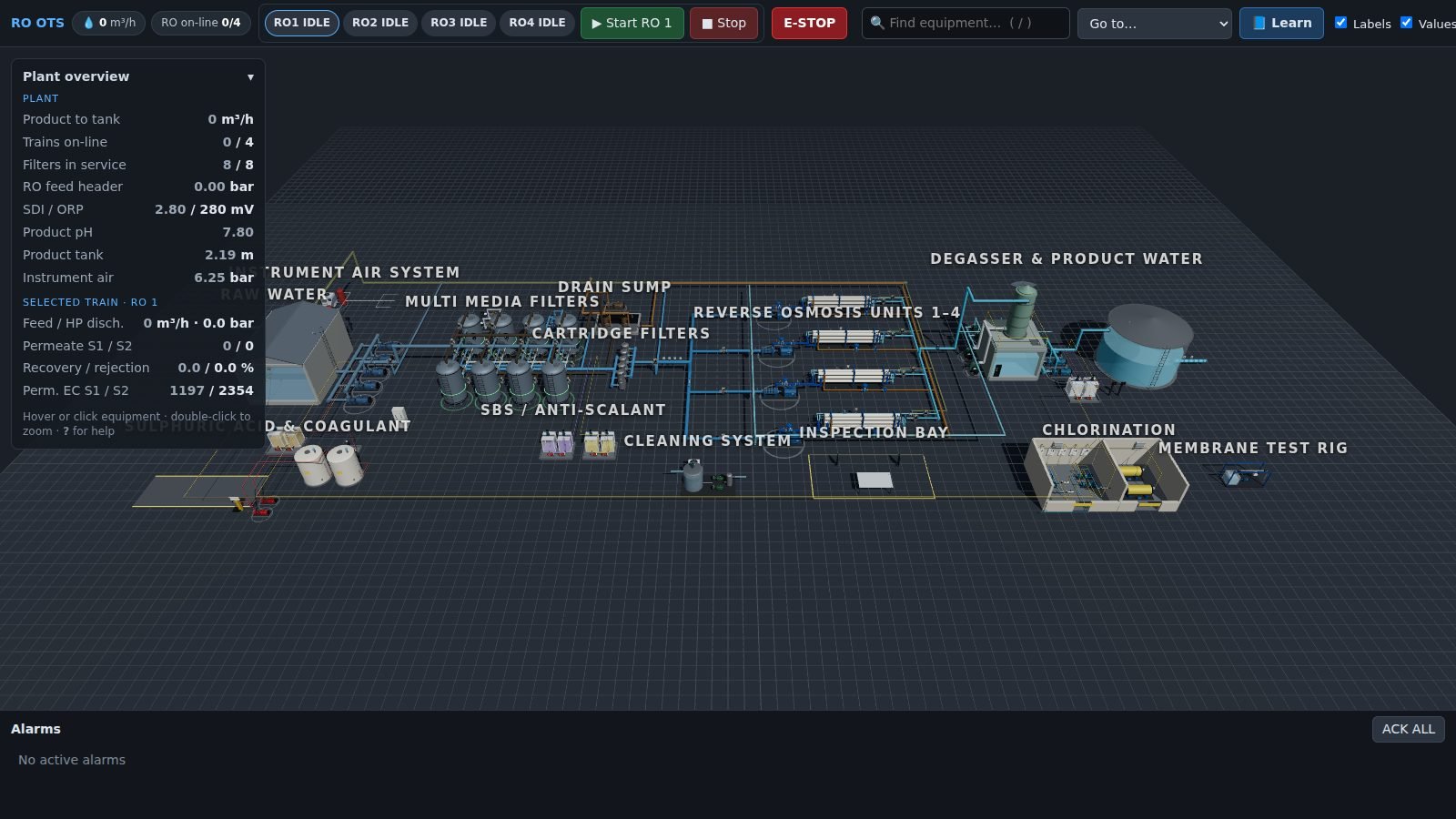
SCREEN 01The whole plant
Every area on one site — pretreatment to product — each item clickable with a live faceplate.
The whole plant in 3D, driven by a live process model: every pump, valve, filter and membrane rack clickable, every value moving. Trainees operate it; an instructor quietly injects faults; the equipment library takes each machine apart, step by step.
Give operators hours on the plant — start-ups, upsets, trips and recoveries — without risking the real one, and make every piece of equipment understandable from the inside.
Left is the instructor station, right is what the trainee sees. Inject a fault — the trainee only gets the symptoms: a pressure creeping up, a conductivity alarm, a pump that won't hold. Then try the 3D plant itself below.
A brackish-water RO training plant: pretreatment, dosing, four RO trains, degassing, product and utilities. Drag or scroll the strip.
Every area on one site — pretreatment to product — each item clickable with a live faceplate.
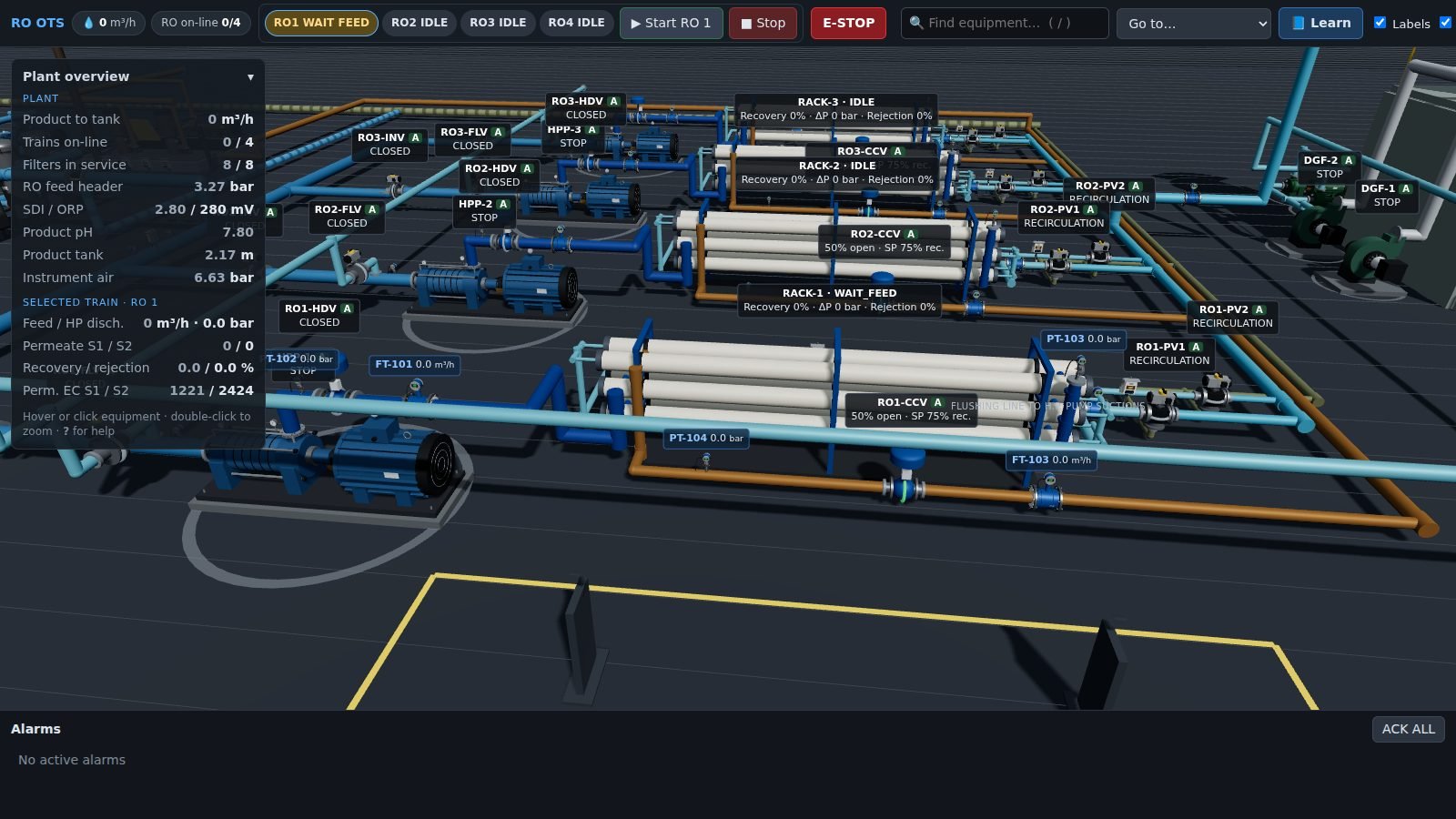
Racks, high-pressure pumps, valves and instruments with live values and statuses.
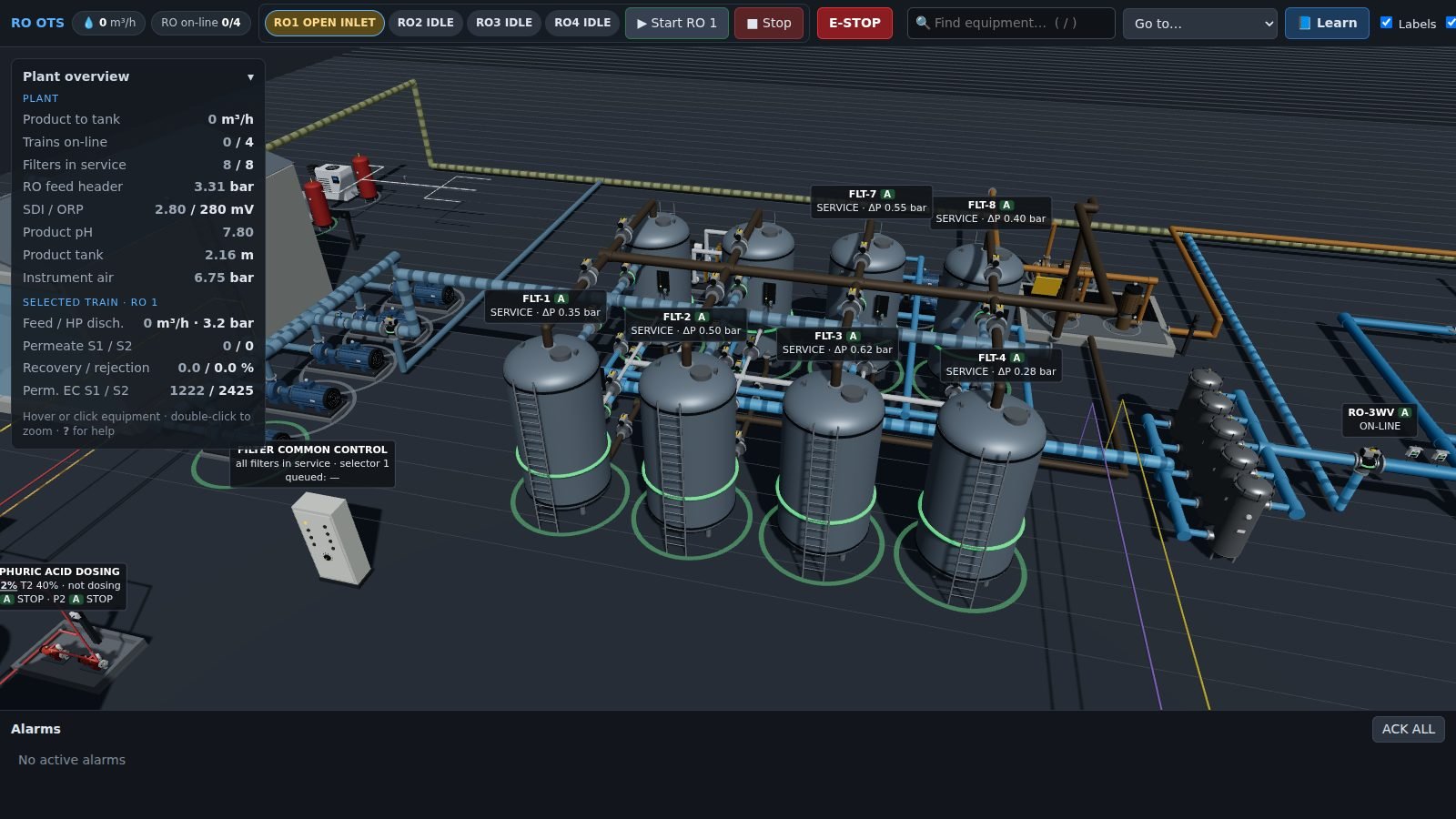
Filters in service with differential pressure, backwash sequencing from the common control.
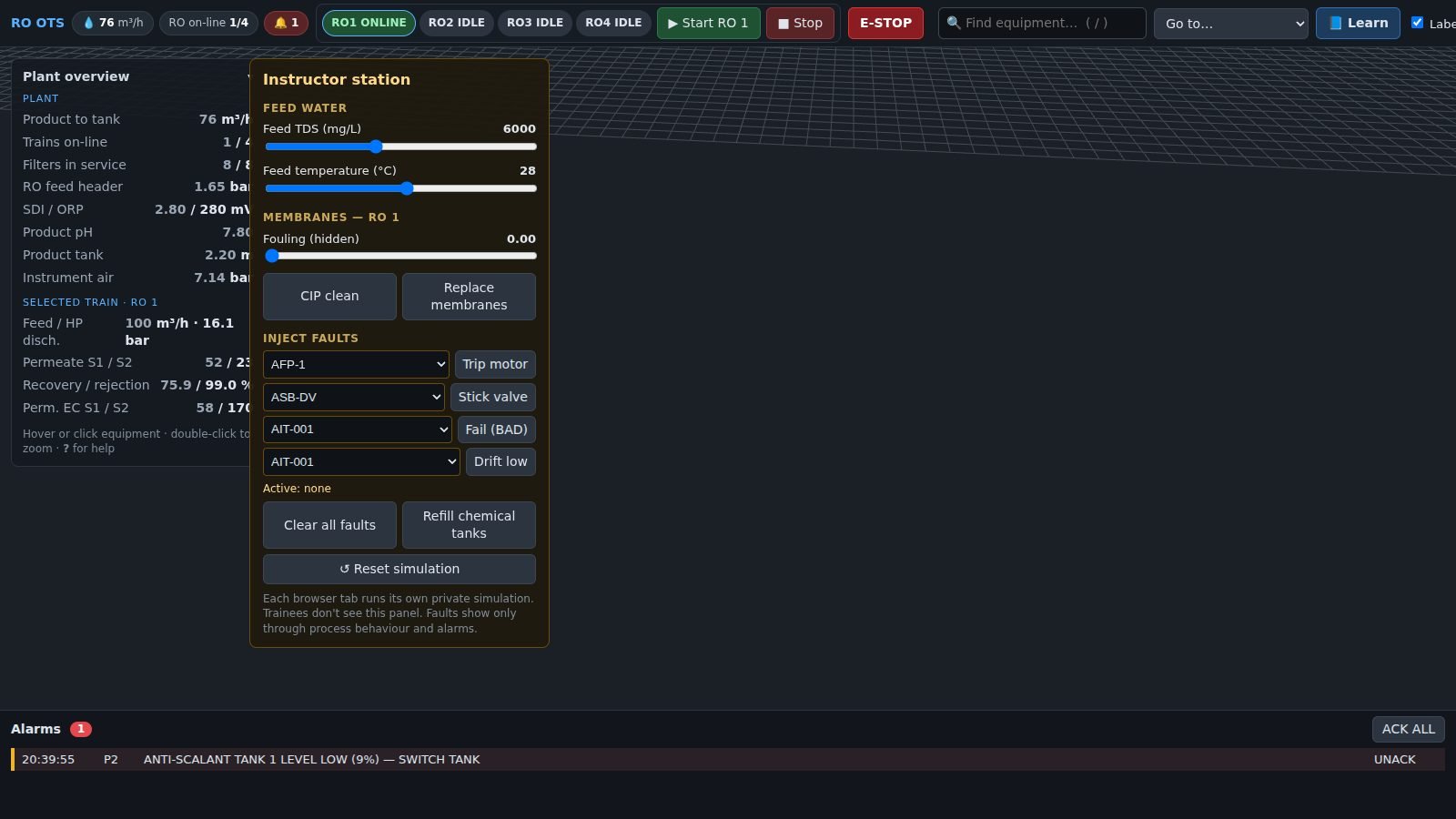
Feed conditions, hidden fouling and fault injection — invisible to the trainee.
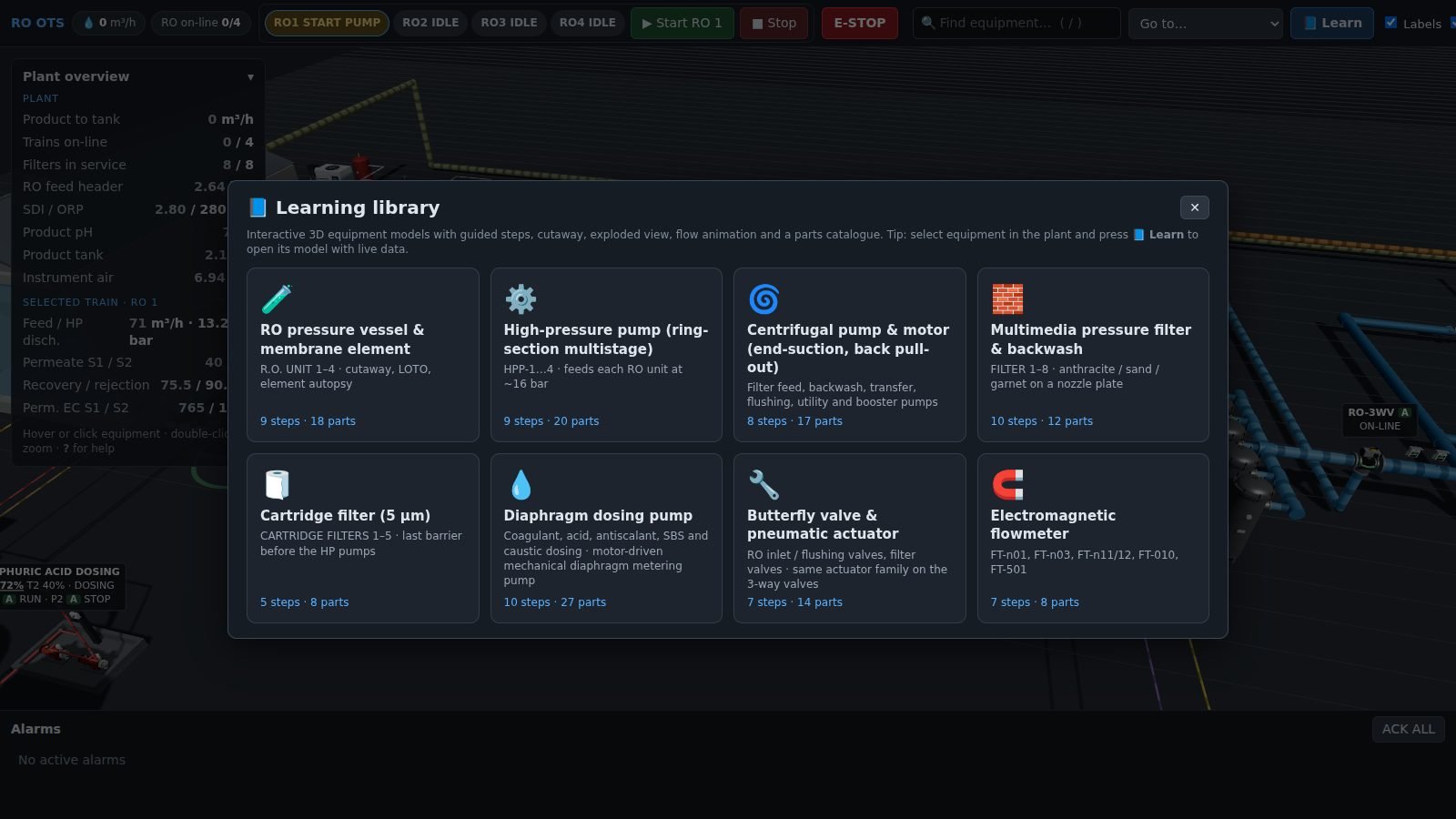
Interactive models of the plant's own equipment types.
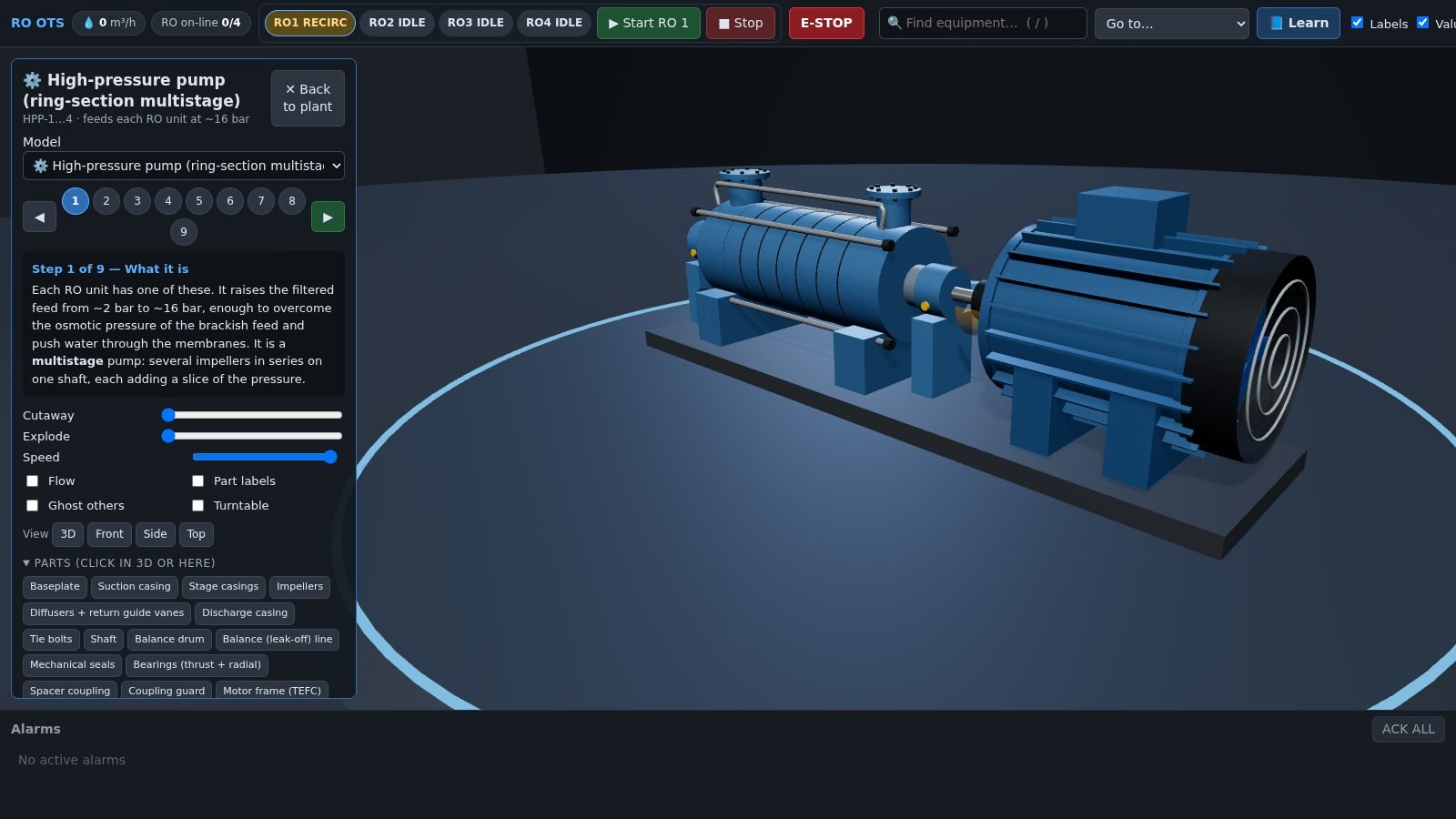
Guided steps, cutaway, explode and a parts catalogue for every model.
Start an RO train, open the instructor station with I, inject a fault, then press B for the equipment library. Every browser tab gets its own private simulator.
Pretreatment, dosing, every RO train, flushing, degassing, product, brine and utilities — laid out from a layout file, so a repeated section is written once and a new train is one more value.
Flows, pressures, conductivity, levels and recovery all come from a plant-wide dynamic model streaming live tags — nothing in the scene is a canned animation.
Feed salinity and temperature, hidden membrane fouling, CIP and membrane replacement, and fault injection: trip a motor, stick a valve, fail or drift an instrument.
Trainees never see the fault list. They see process behaviour and alarms — and have to diagnose it, like on shift.
Interactive 3D models — RO vessel and membrane, high-pressure pump, centrifugal pump, multimedia filter, cartridge filter, dosing pump, butterfly valve, mag flowmeter — with guided steps from theory to LOTO and maintenance.
Every model can be cut away, exploded part by part, run with flow arrows and operated live; a faceplate's learn button opens the model for that very piece of equipment.
Search, hover, double-click to zoom, alarm-to-equipment jumps, keyboard shortcuts and a large-controls mode for a big touch display.
A Python process model and a three.js scene, no internet needed — with the simulated controller designed to give way to the real PLC and SCADA later.
The demo is a brackish-water RO plant. Yours can be any process: the layout, the tag numbering, the equipment library and the scenarios are built from your own documents.
P&IDs, IO list, mimic or HMI photos, control philosophy and procedures.
Equipment, instruments and pipes laid out from templates — numbered to your tag convention.
Tuned to your design data: pump curves, membranes, dosing rates, setpoints.
Start-up, shutdown, upsets and faults written from your procedures and incident history.
On your training display and trainee browsers, offline-capable, with the sources handed over.
In the demo plant — every one with a live faceplate.
Guided steps, cutaway, explode and parts catalogue.
From the plant-wide model to the 3D scene.
Every trainee runs their own plant.